Module 3 Formstorming

Weekly Activity Template

Eric Ambrad


Project 3


Module 3

Touch and feelin' stuff

Activity 1

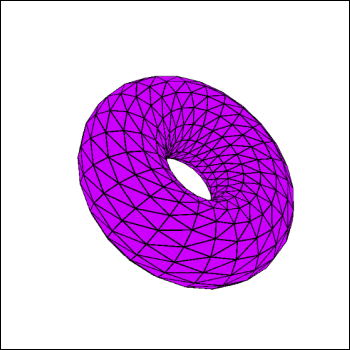
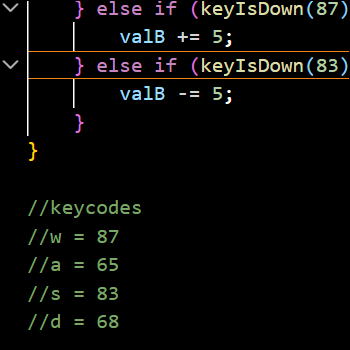
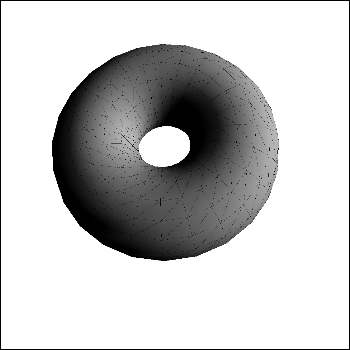
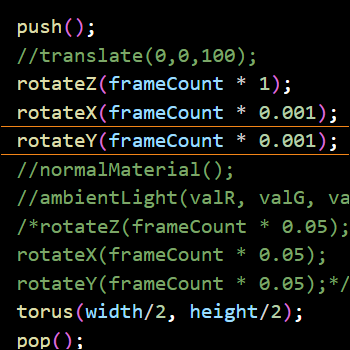
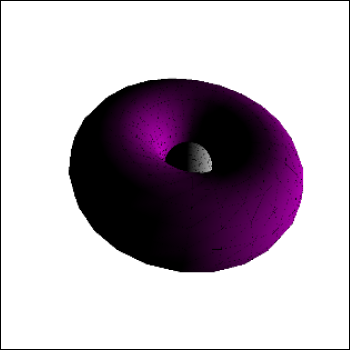
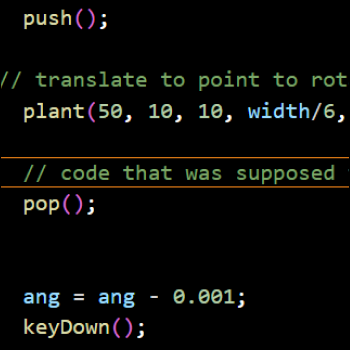
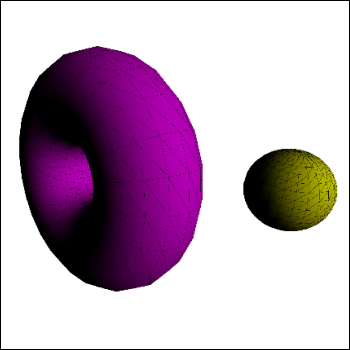
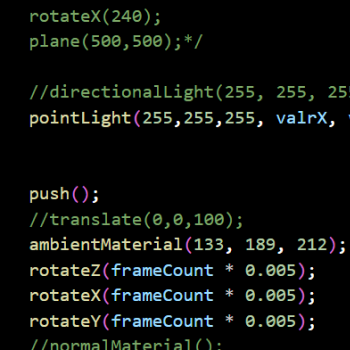
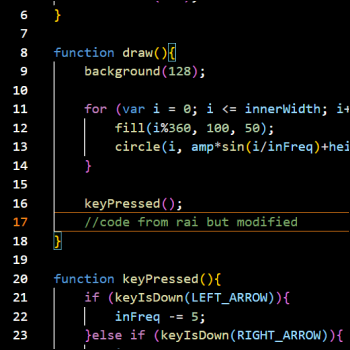
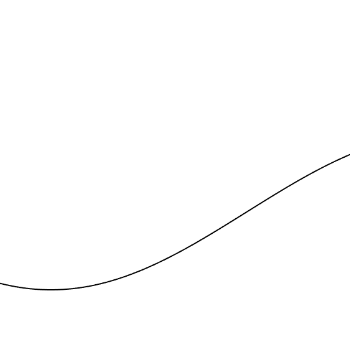
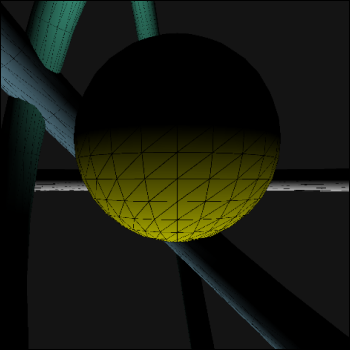
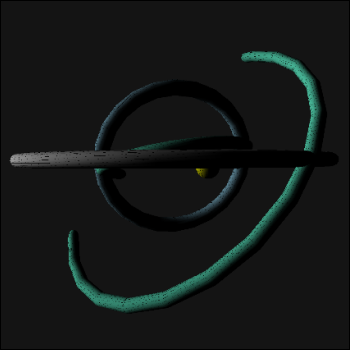
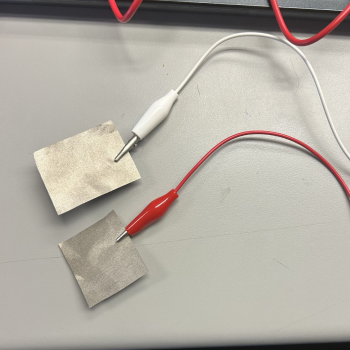
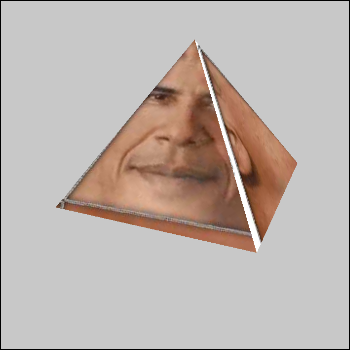
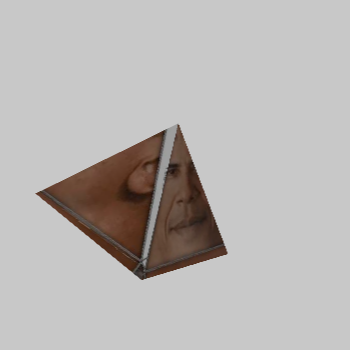
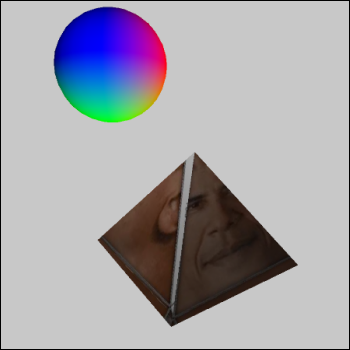
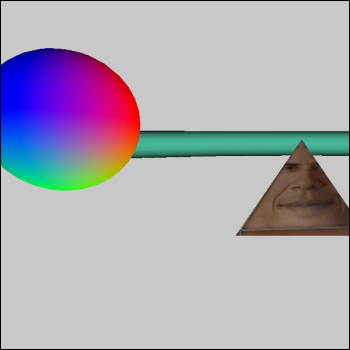
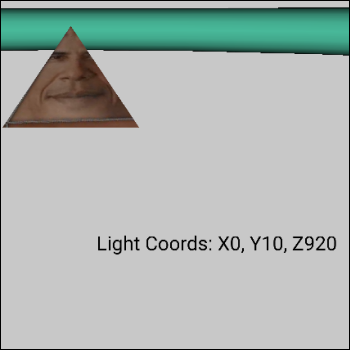
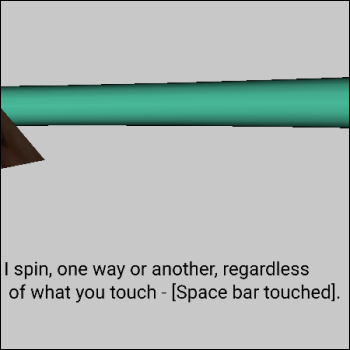
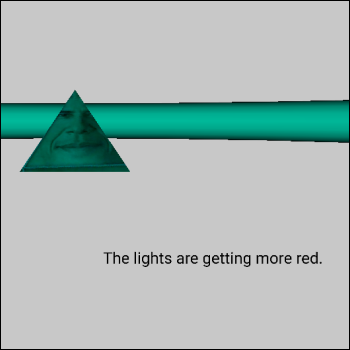
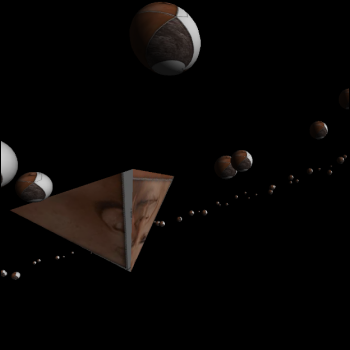
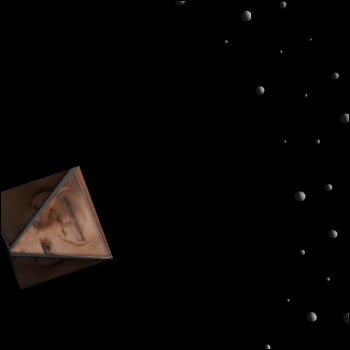
Modifications to one of the tutorial sketches for this module A donut, rotate-able with controls on the Makey-Makey Keycodes, taken from https://www.toptal.com/developers/keycode A donut (more specifically a torus), and lighting that I was playing with Rotation code for the donut, lighting was interactable/interactive More donut playing! Some more attempts at playing around with the code Donut and sphere, the sphere was the light source Code to make the sphere the light source, where both the sphere and light source were movable Similar concept to previous, though with more of a giant/space-esque torus (think: large superstructure in space) Code for a sine wave, borrowed from a friend A sine wave, where the dimensions of it were modifyable by the user Similar concept to previous sphere-and-donuts, though with this one I was playing with pointLight Having the camera far away this time Debugging text for checking if conductive fabric worked with the Makey-Makey The conductive fabric itself Obama prism, taken from https://sketchfab.com/3d-models/obama-prism-505bacebed204f4d87b3119d5d1848c7 Had Obama prism be rotate-able based on user input on the Makey Makey Included a sphere with a texture Initial set-up for a very early version of my final project Had a light source that was movable by the user, with debugging text there Obama prism speaks when input is given Changing the colour of the light hitting Obama prism via user input Playing with a pre-existing p5js sketch taken from https://editor.p5js.org/bobsarea/sketches/Z8NmH5OW2. I didn't end up using this sketch because the orbiting spheres was a bit much to handle for me code-wise

Activity 2
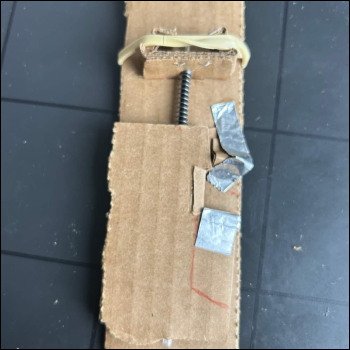
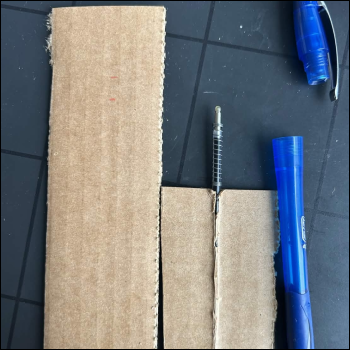
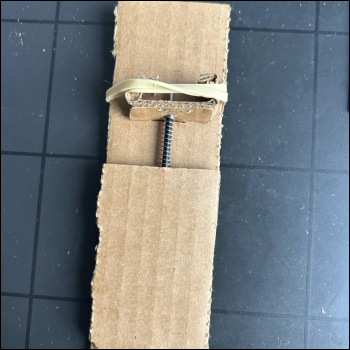
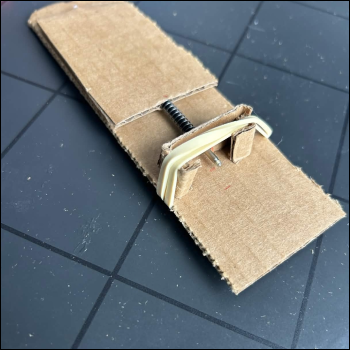
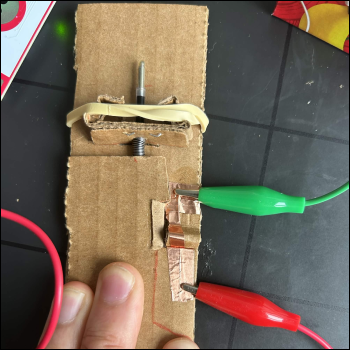
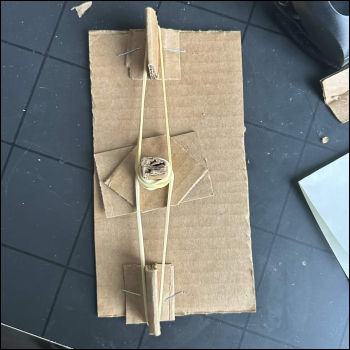
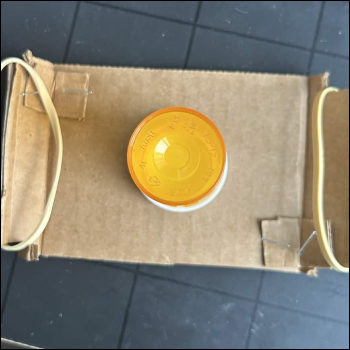
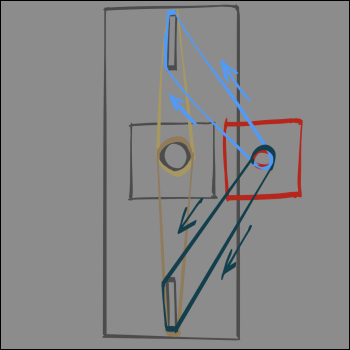
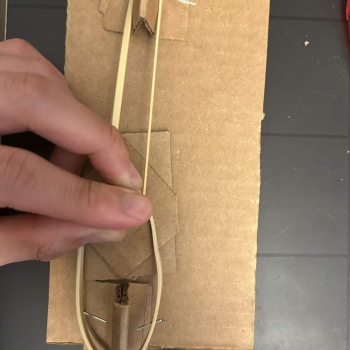
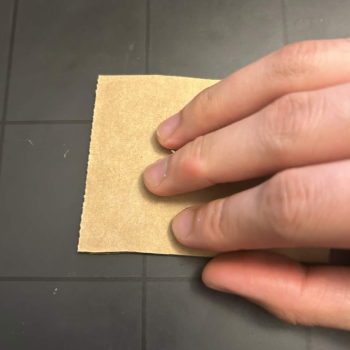
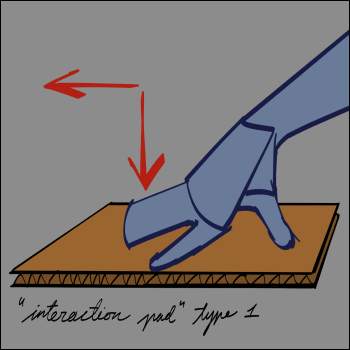
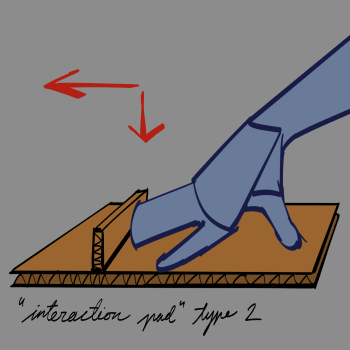
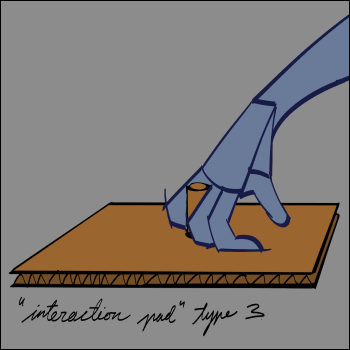
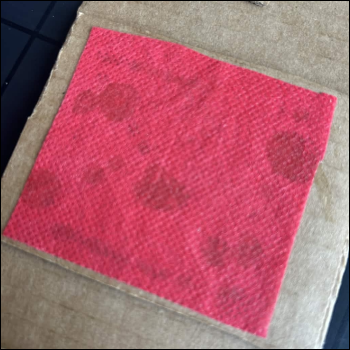
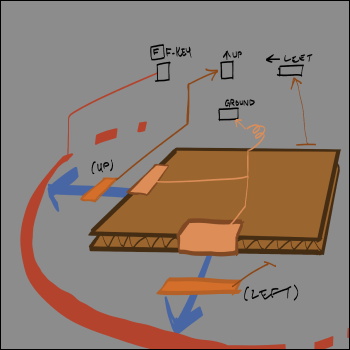
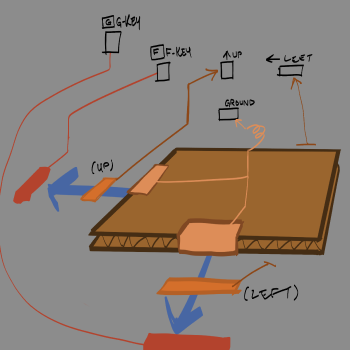
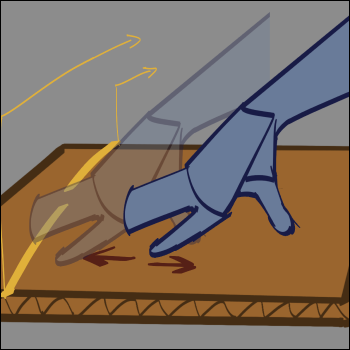
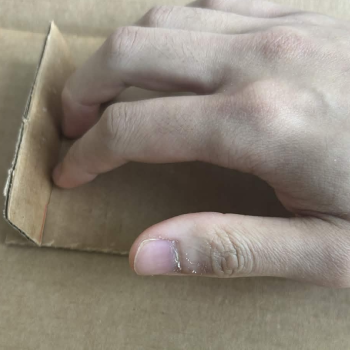
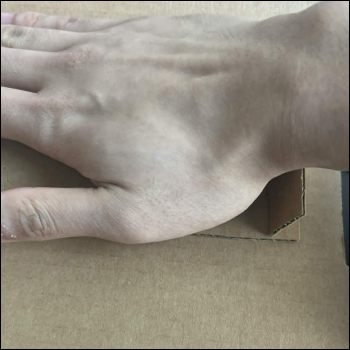
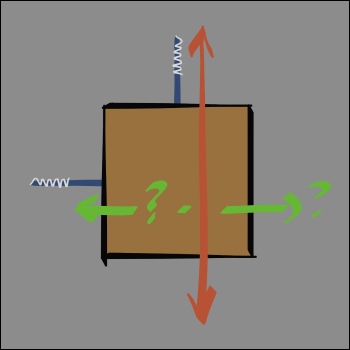
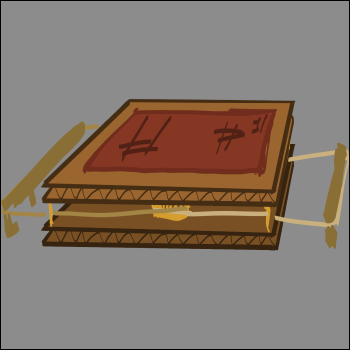
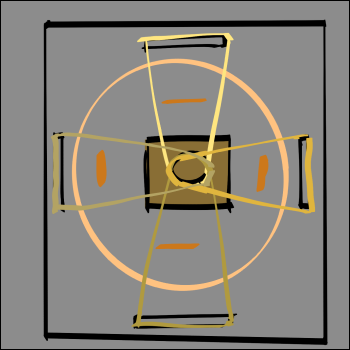
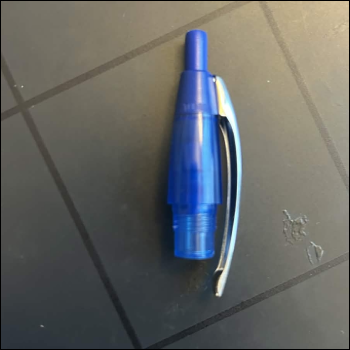
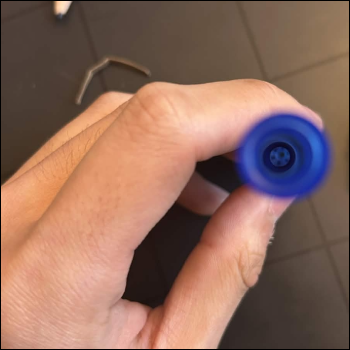
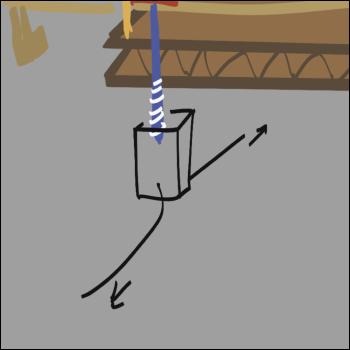
Break-down of my initial haptic mechanism using a ballpoint pen The assembled set up seen from above Another angle of the set up The conductive part of the set up, initially tin foil was used but wasn't as conductive as copper tape upon testing The set up using copper tape, which actually did work Early version of the rubber band set up I was thinking of using an empty medicine bottle for the “peg” that the user would push around, but I felt that having something you have to grip wasn't as accessible as would be preferred Initially I thought I would need four total rubber bands to get 2 axis's of motion, but thankfully upon testing it turned out the tension from just two rubber bands on one axis was enough How a user would have to grip/interact with a peg-set up How a user would have to interact with just a flat surface set up This first type of interaction, where the user just presses lightly and pushes/pulls the control-surface was something I considered, and ultimately went forward with. This second type where the user has to push their fingers against a board on the surface was considered, but I felt that it could be too awkward for the user to handle especially if they wanted to pull the control pad backwards This third type, the peg type, was discarded because I felt that forcing the user to grip something like that while also applying a force was too awkward for people, especially if they had some sort of disability To play around with texture, I wanted to try using something coarse for the surface the user interacts with One set up concept sketch I had Another concept sketch One idea that I thought about though discarded for time sake was allowing the user to interact by sliding their hand (NOT the surface or object itself) to a conductive part to complete a circuit Photo of me trying out the board on the surface, it wasn't as awkward when pushing forward However, if the user tried to pull the surface back it got pretty weird While I loved the ballpoint pen spring system, having to figure out a system for TWO axis's of motion wouldve been... a bit much Concept sketch of the final design Concept sketch of the circuitry, I did put four rubberbands here as I did want to try out using 4 just to see what would happen The button-section of a ballpoint pen, which due to the mechanism of the pen was needed in order to get the back-and-forth/locking system of the pen Near the bottom of the pen is actually where the specially shaped ridges are, which is where part of the inkwell interlocks with in order to go with the whole mechanism. I would've tried using this if it weren't for the fact that plastic is surprisingly hard to cut through Concept sketch for an up-down button-like input while using the same interactive movable control pad

Project 3


Final Project 3 Design

Space Exploration and Haptics (Maxwell Cat Boxes included!)

-->

Powered by w3.css